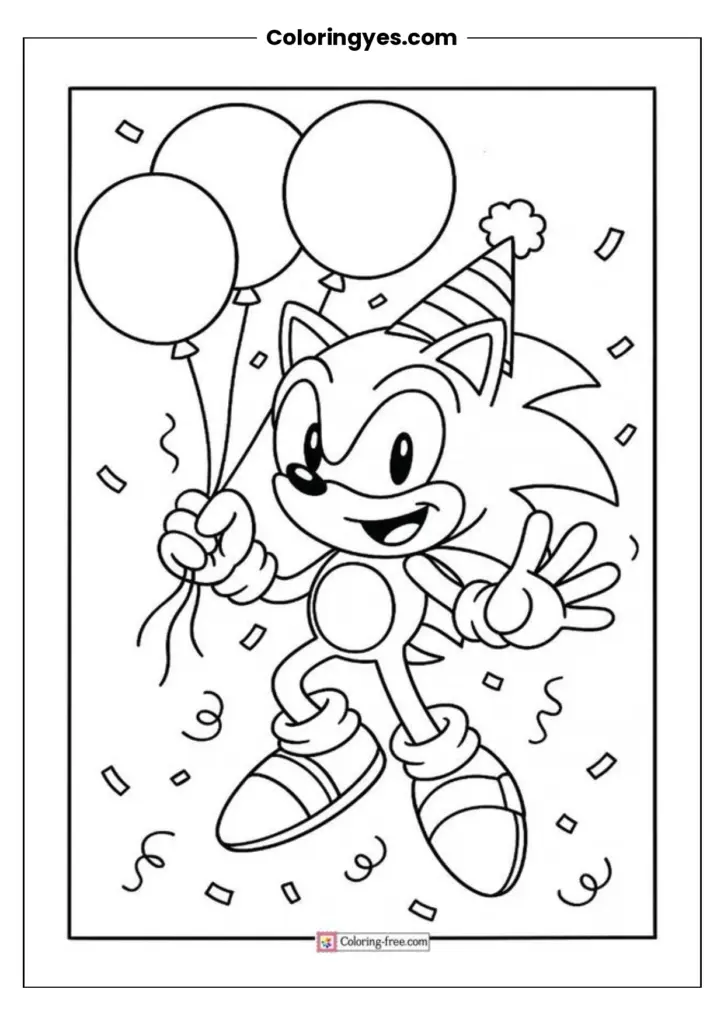
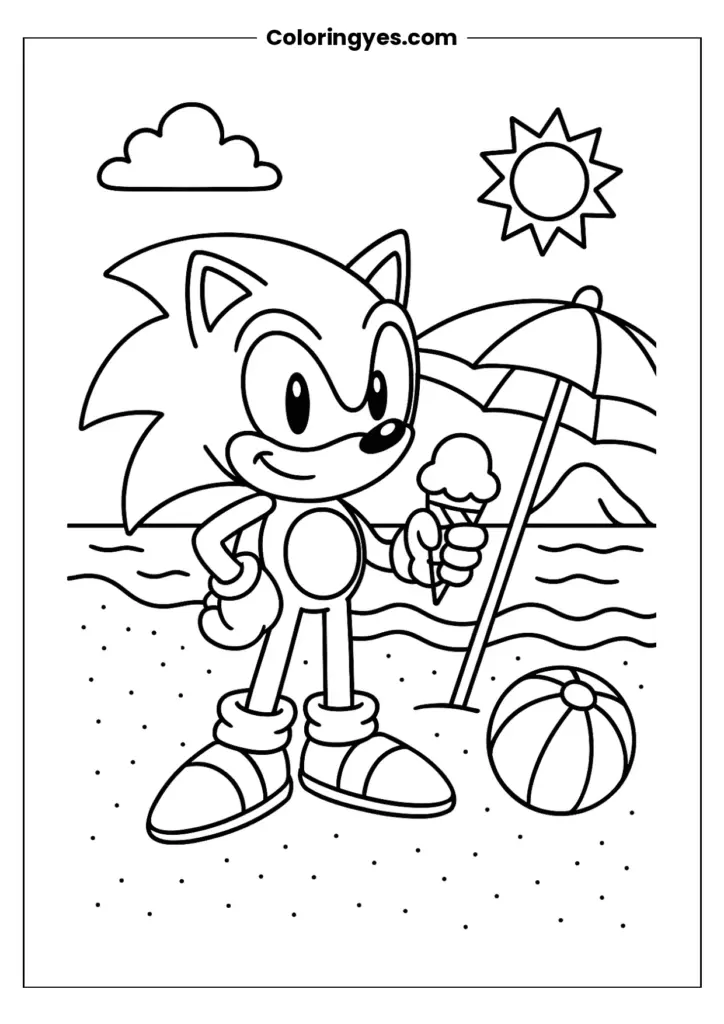
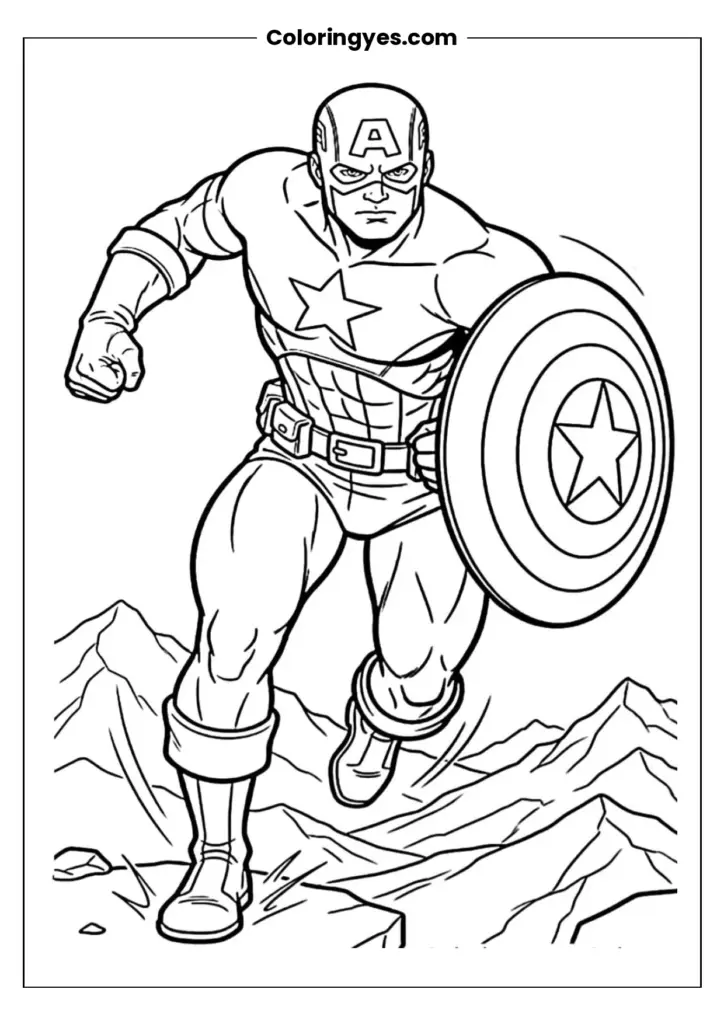
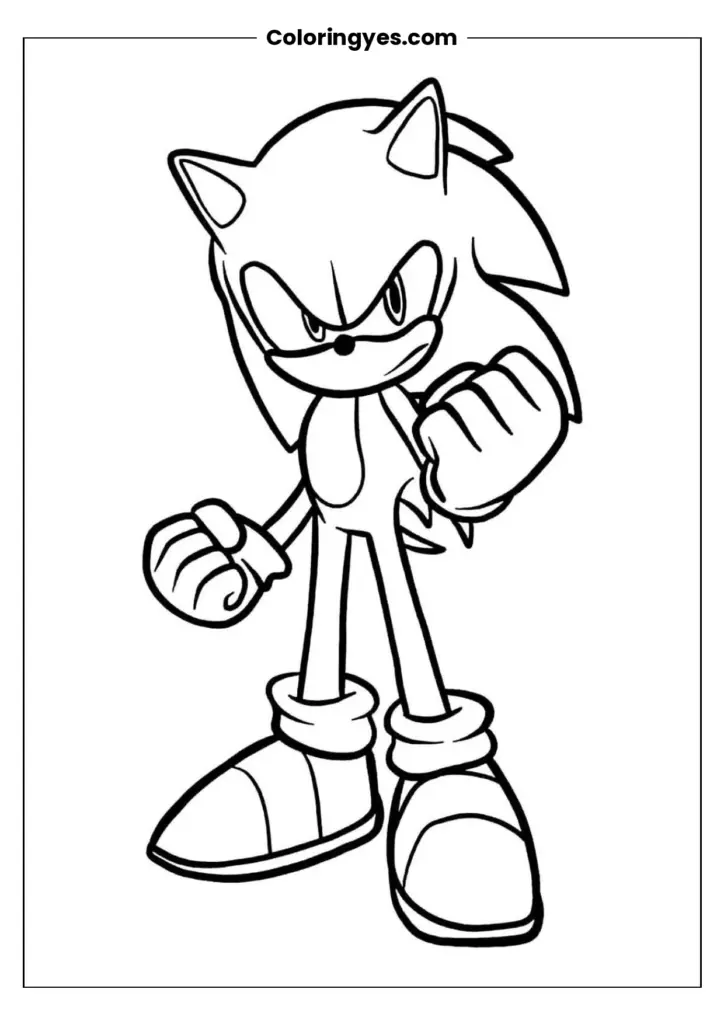
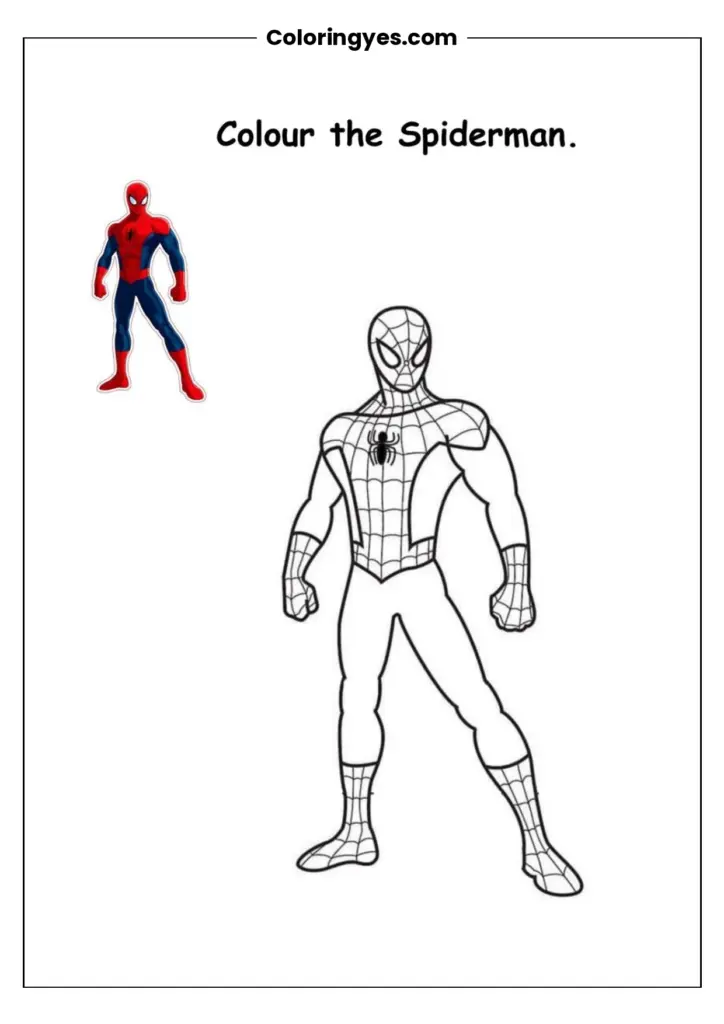
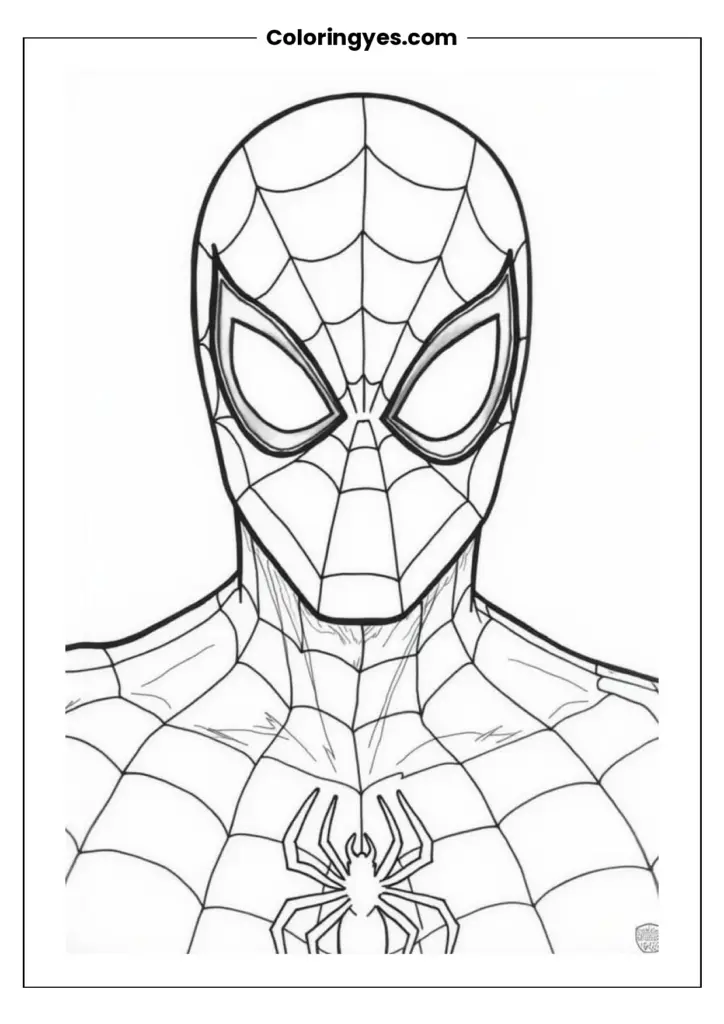
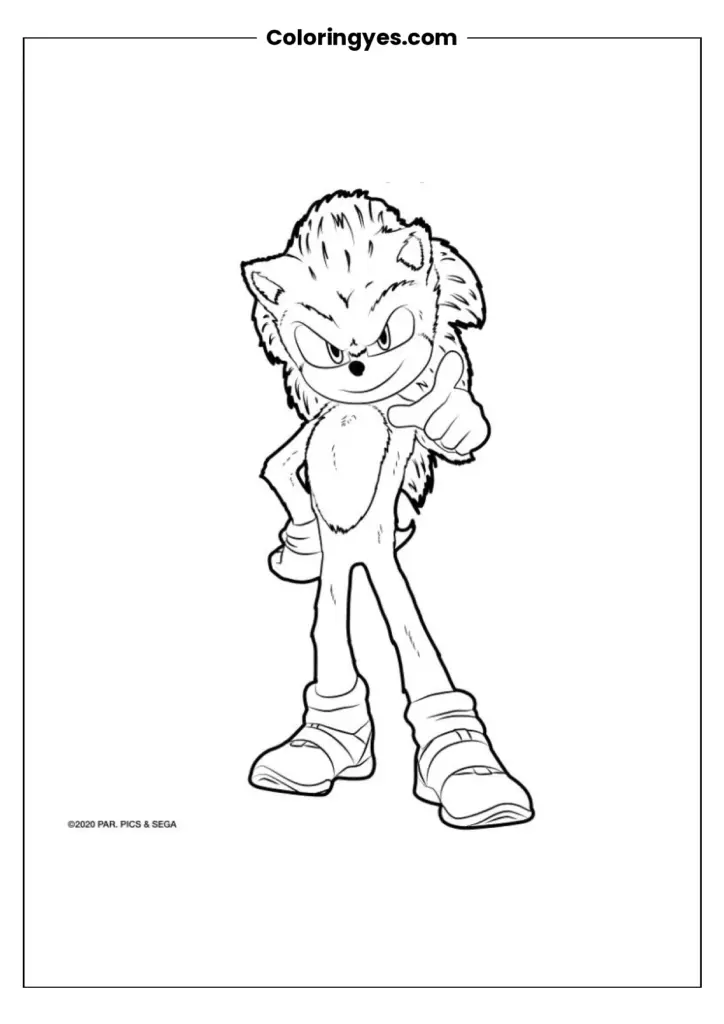
Looking for a simple, screen-free activity that suits kids and adults alike? This free printable kawaii coloring page is an easy pick. The download is a black-and-white PDF you can print at home on A4 paper, so you can start coloring with pencils, markers or crayons in minutes. Below you will find printing tips, coloring ideas and answers to common questions.
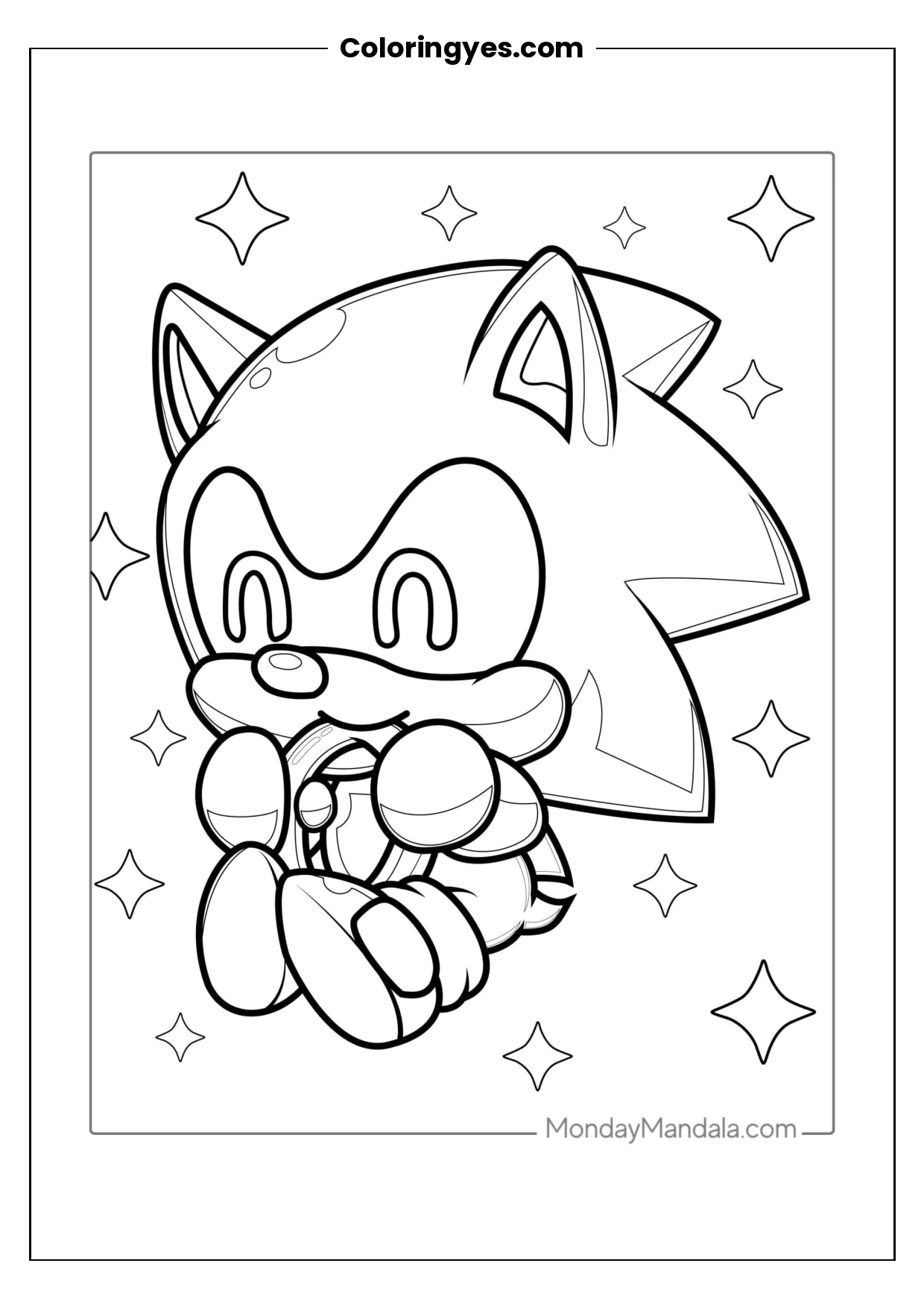
Kawaii coloring pages are built around cute, friendly designs, and that makes them a good fit for a wide range of ages. A single black-and-white page keeps things simple: no complicated setup, no special supplies, just paper and whatever coloring tools you already have at home. Print the PDF on A4 paper, trim the margins if you like, and color at your own pace.
This page works well as a quiet-time activity, a classroom extra, a party table filler or a rainy-day project. Adults often enjoy coloring as a low-pressure way to unwind, while children get to practice pencil control and color choices. Because the design is black and white, you can decide the palette: soft pastels for a gentle look, bright markers for bold contrast, or a single-color scheme for a clean, modern finish.
You can print as many copies as you need for personal use, which makes it handy for siblings, playdates or group activities. If you plan to color with markers, a slightly heavier paper weight helps reduce bleed-through. Colored pencils and crayons work well on standard printer paper. Keep the finished page as a fridge display, a card front or part of a small coloring binder.
How to Download and Print Your Kawaii Coloring Page
- Open the PDF file on your phone, tablet or computer.
- Check your printer settings and choose A4 paper size.
- Select black-and-white or grayscale printing for the clearest outline.
- Print one copy, then print more if you need extras for family or friends.
- Gather colored pencils, crayons or markers and start coloring.
- Let the page dry fully before displaying or storing it.
Frequently Asked Questions
Is the kawaii coloring page free to print?
Yes. The page is offered as a free printable PDF, so you can download it and print copies at home for personal use without paying.
What paper size should I use?
The file is set up for A4 paper. If your printer uses a different default size, select A4 in the print settings before printing so the page fits correctly.
What coloring tools work best?
Colored pencils and crayons work well on standard printer paper. Markers give bold color, but they may bleed through, so a heavier paper weight or a sheet underneath can help.
Can I print more than one copy?
Yes. You can print multiple copies for your own household, classroom or party activity. Just keep the printing for personal, non-commercial use.

Aisha writes about nature-themed coloring pages and simple creative activities. Her articles help readers explore printable collections and find ideas for coloring at home or in the classroom.
Leave a Review
Share your experience with this page