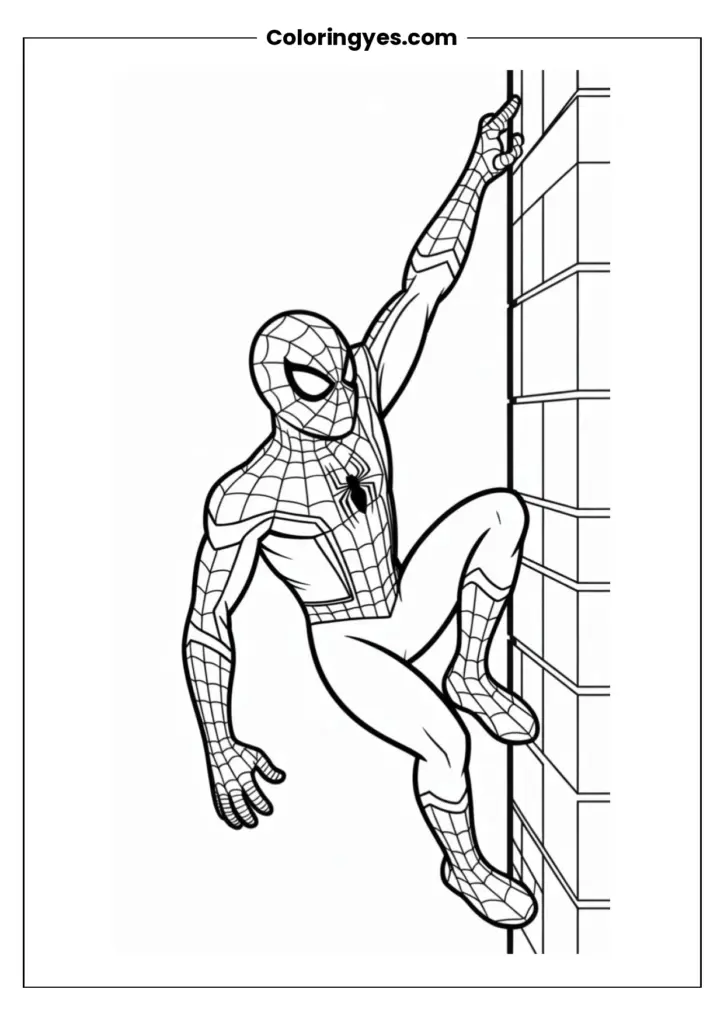
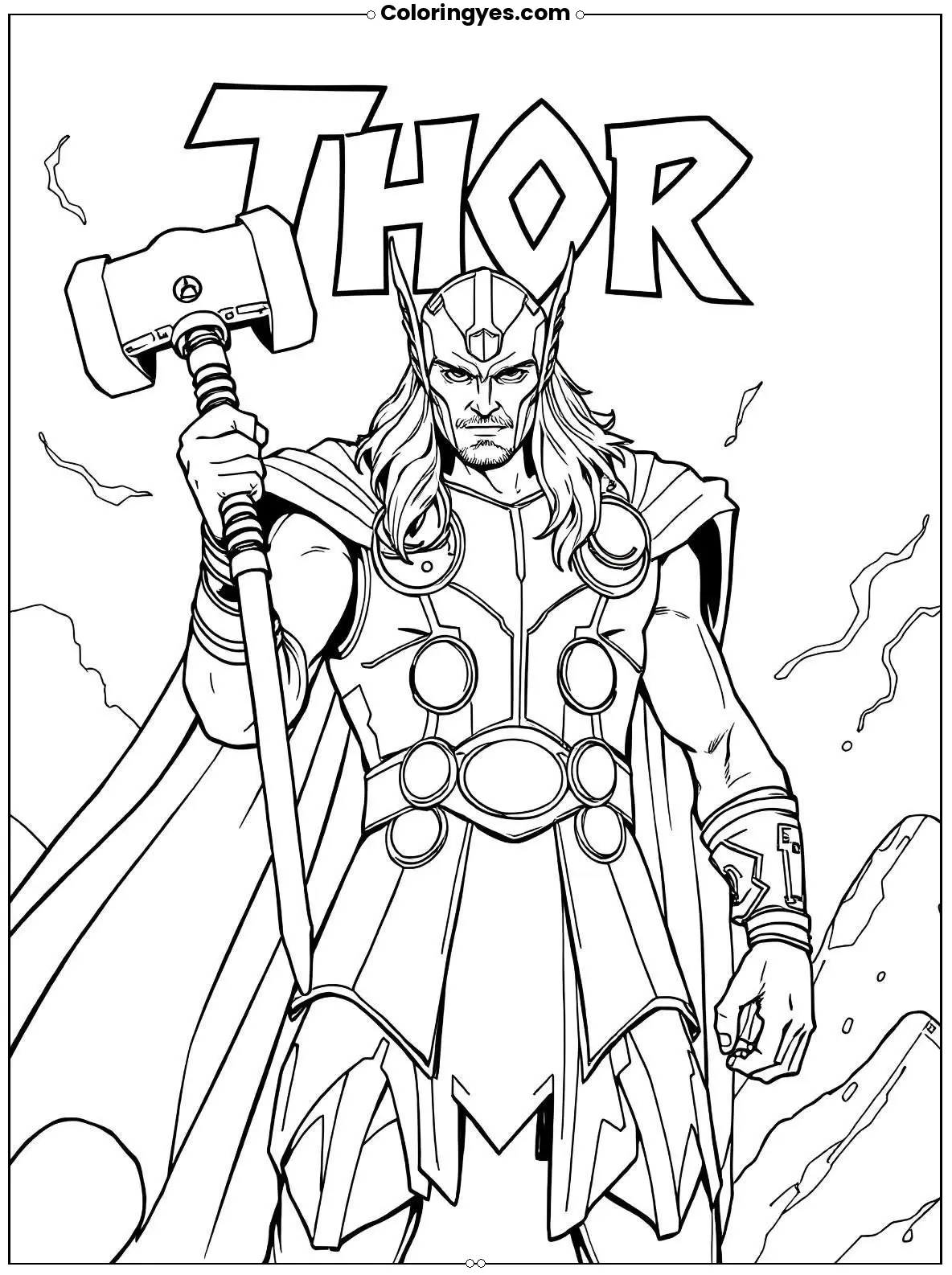
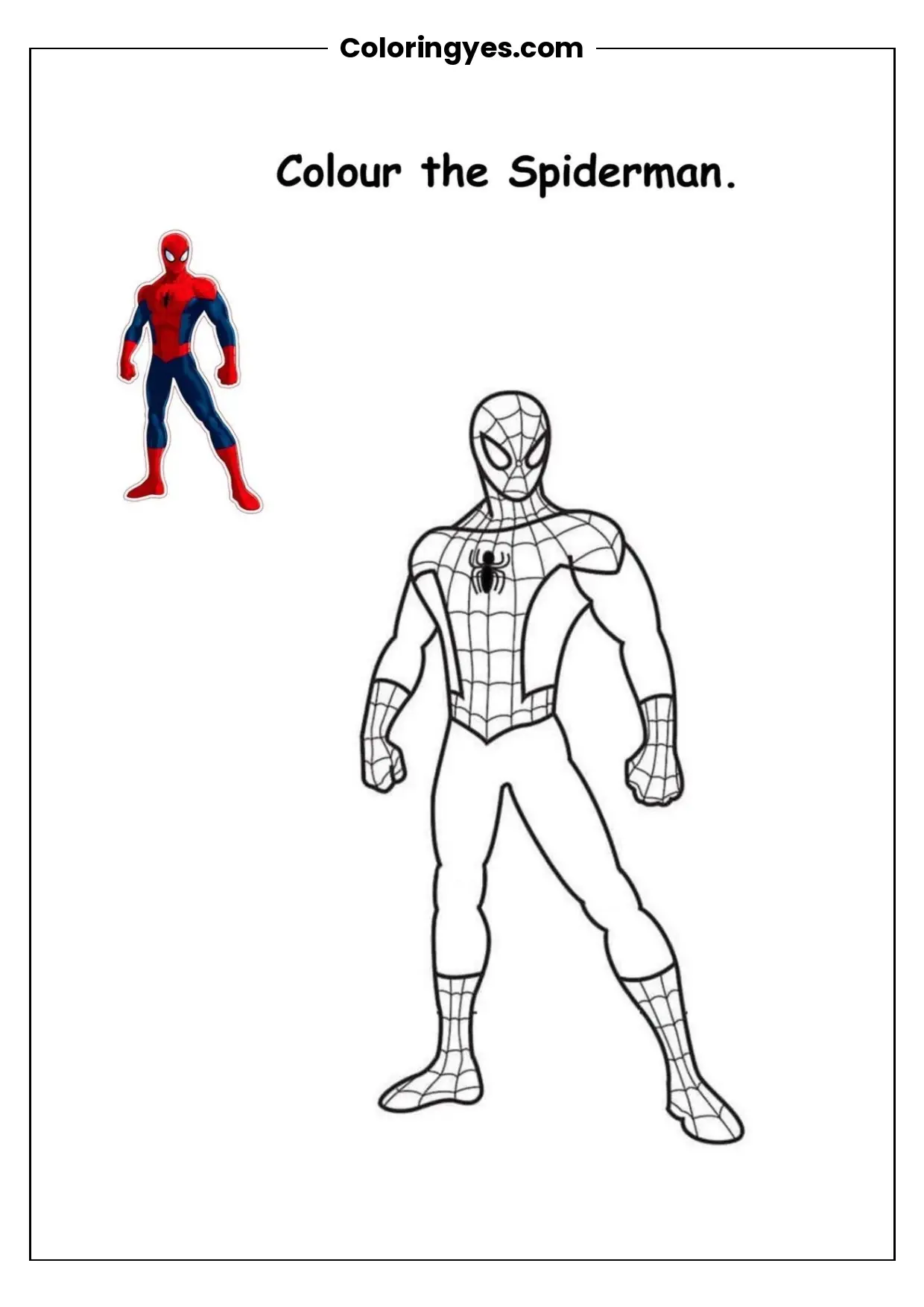
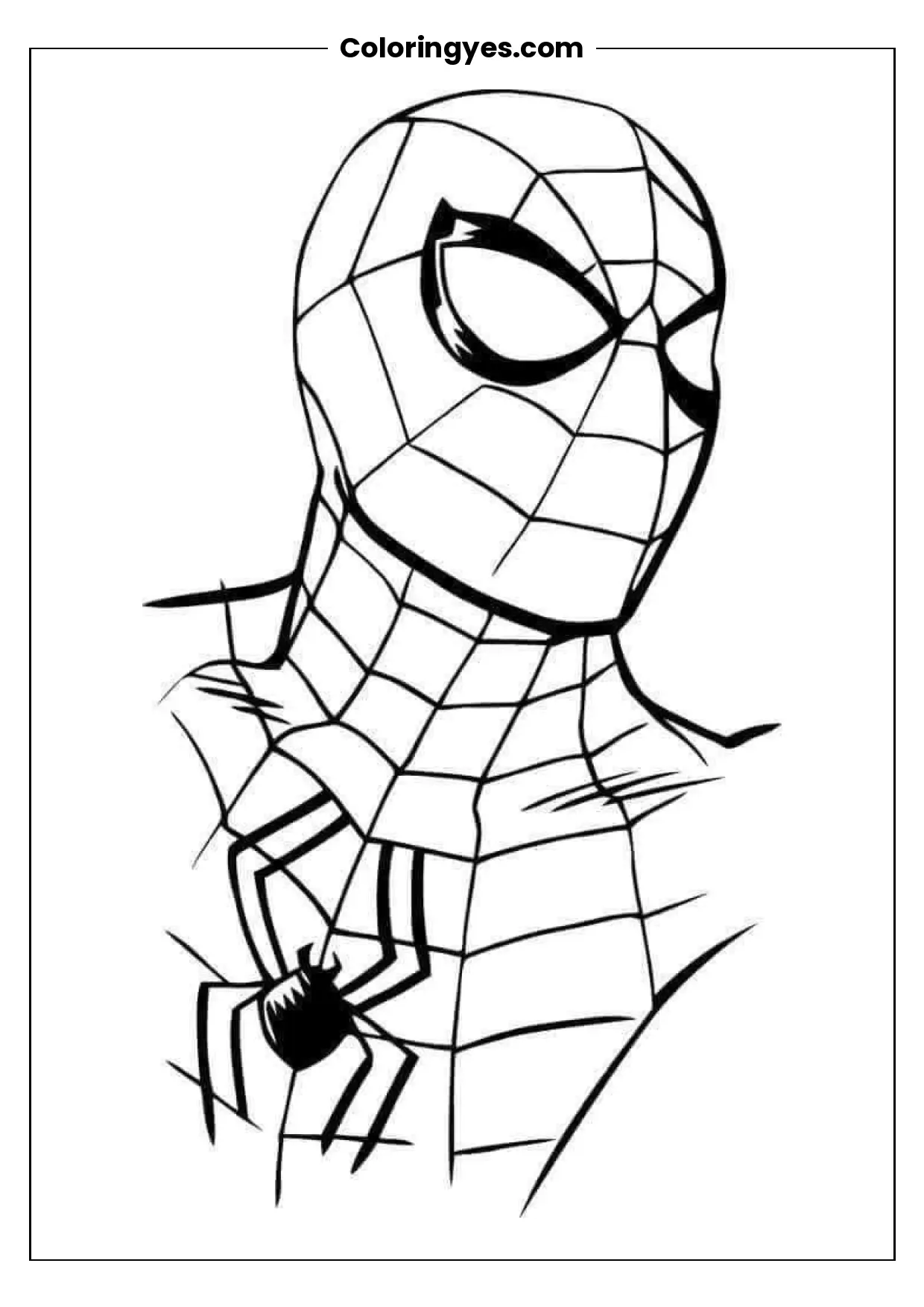
Bring speedy fun to coloring time with this free black-and-white Super Sonic printable. Saved as a PDF, the page is simple to download, open and print at home on A4 paper. It suits kids and Sonic fans who enjoy bold outlines and a familiar character. Grab crayons, pencils or markers and add your own bright colors to the page.
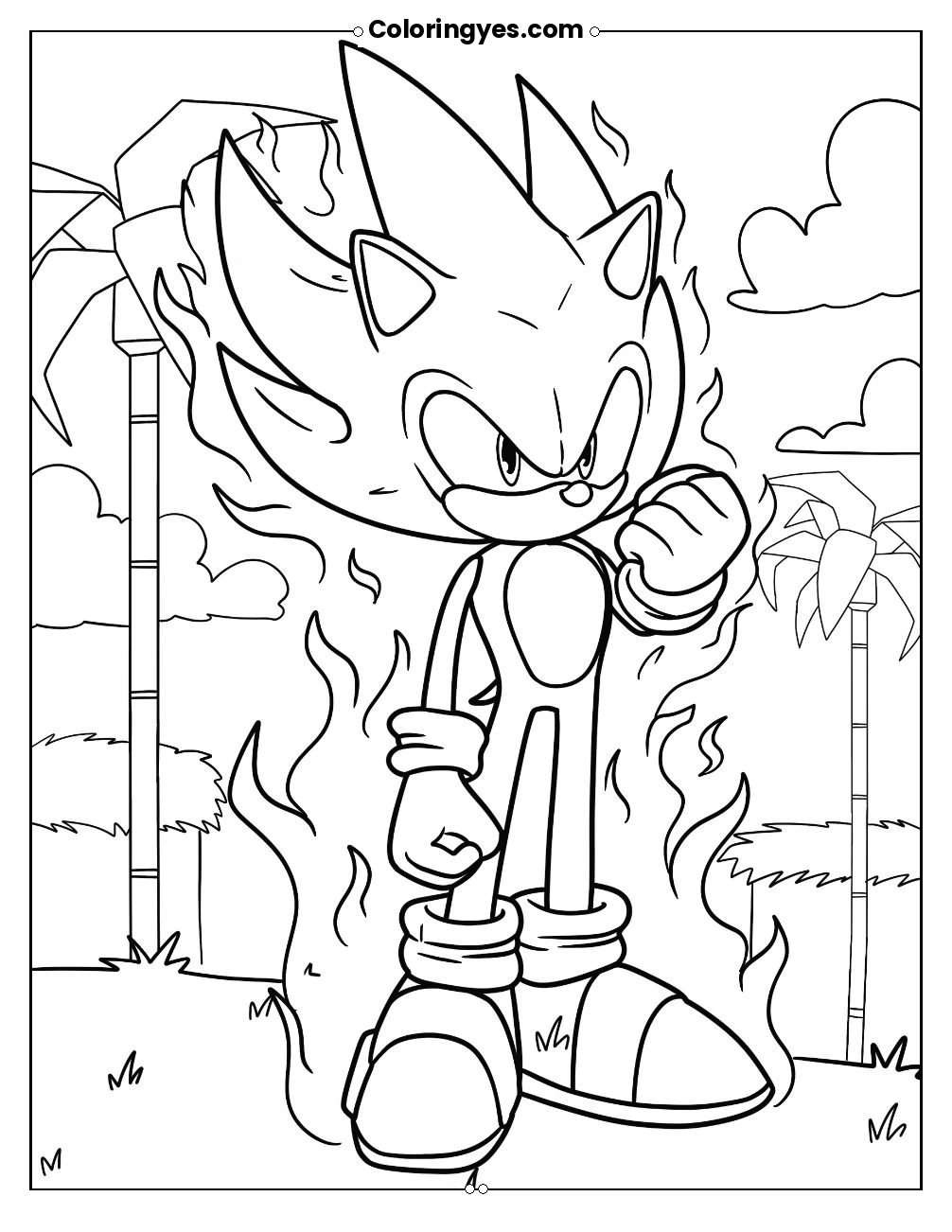
This free Super Sonic coloring page gives you a straightforward, print-ready activity for home, classroom or travel. The download is a black-and-white PDF, so it uses less ink and works with almost any home printer. Print it on standard A4 paper, or scale it to Letter size in your printer settings if that is what you normally use. The page is a good fit for quiet time, rainy afternoons, birthday party activities or a screen-free break. Because the outline is black and white, colorists can choose classic blue and red, a bold new palette or a mix of both. Younger children may prefer thick crayons, while older fans can try colored pencils for smoother shading. Print a few copies so siblings and friends can each have a turn, and keep the PDF on your device to reprint whenever you like. The page also works well as a simple art warm-up, a party favor or a calm classroom reward. No special materials are needed beyond paper and coloring tools, which makes it an easy last-minute option.
How to Download and Print Your Super Sonic Coloring Page
- Download the free Super Sonic coloring page PDF to your computer, tablet or phone.
- Open the PDF in a free reader app and check that the page displays correctly.
- Load A4 paper into your printer and choose black-and-white or grayscale printing.
- If you use Letter paper, select fit-to-page in the print settings so nothing is cut off.
- Color the page with crayons, colored pencils or markers, starting with larger areas first.
- Reprint the PDF whenever you want a fresh copy for another coloring session.
Super Sonic Coloring Page FAQ
Is this Super Sonic coloring page really free?
Yes. The printable is offered as a free PDF download, so you can save it and print copies for personal use without paying.
What paper size should I print on?
The page is set up for A4 paper. If you only have Letter paper, choose fit-to-page or scale-to-fit in your printer settings so the design prints completely.
Can I print more than one copy?
Yes. Keep the PDF on your device and print as many copies as you need for family, friends, a classroom or a party activity.
What coloring tools work best?
Crayons, colored pencils and markers all work well. Crayons suit younger children, while colored pencils allow finer shading for older colorists.

Maya writes about coloring pages and creative activities for kids and adults. Her articles bring together printable designs, coloring ideas, and straightforward printing tips.
Leave a Review
Share your experience with this page